


Candyspinz Casino App
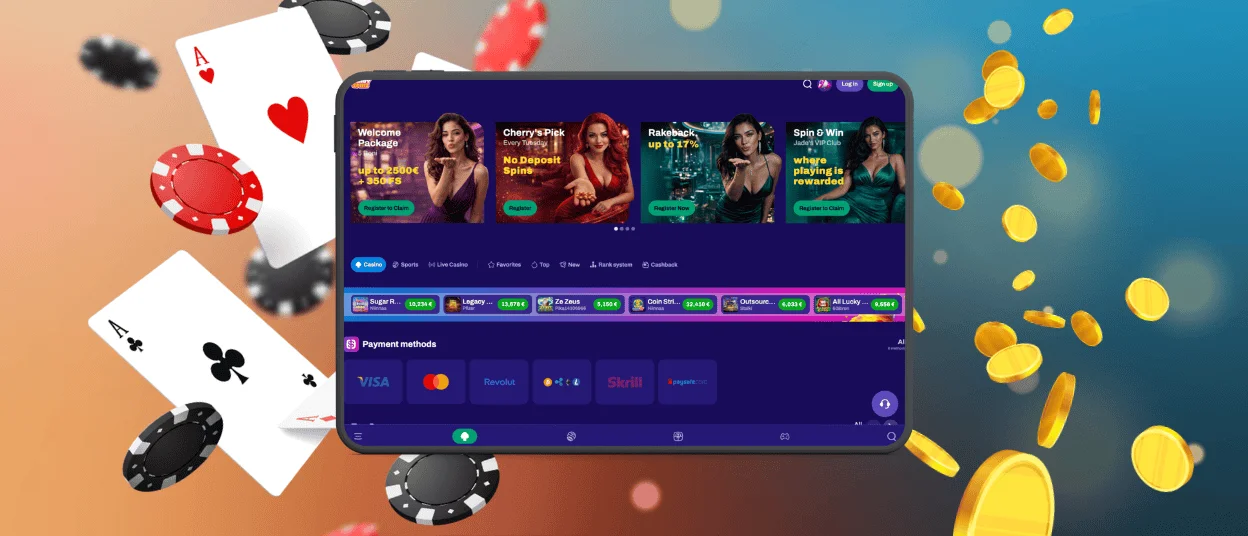
The Candyspinz app gives players direct access to our casino without third-party stores or a long installation. Our PWA installs in less than a minute and appears as an app shortcut alongside other applications. Open it while traveling or continue a session away from home. The responsive interface keeps game controls clear across different screen sizes.



How Can I Play at Candyspinz on Mobile?
Candyspinz can be used on a phone or tablet without changing the way you normally access your account. If you do not want to install anything, simply open the casino website in a mobile browser. There is also a PWA for players who prefer having a Candyspinz icon on the home screen.
In either case, the main casino features remain available on mobile, including games and active bonuses.
What Do I Get with the Candyspinz Android App?
The Android version is not a native app in the Google Play Store, but a PWA. This keeps installation simple and gives Candyspinz members a more familiar app-like experience.
After the first launch, some content can be cached on the device. This is handy when the internet connection is flaky, because some pages might still be accessible.
The mobile layout remains practical:
- Screen-friendly design: Candyspinz is optimized for smaller Android phones as well as tablets.
- Easy-to-reach controls: Key game buttons are located for comfortable use on a touchscreen.
- Quick game information: You can open slot rules and other details without exiting the main game screen.
- Full-screen play: Browser bars and other unnecessary elements don’t take up extra space when playing.
Candyspinz also runs on older Android phones. Several newer devices can provide additional options, like vibration feedback for taps and changes to the app icon.
Candyspinz Installation Guide for Android
There is no need to look for Candyspinz in an external app store. The PWA is installed from the casino website itself.
To add it to your device:
- Open the Candyspinz website on your phone or tablet.
- Go to the Casino App page.
- Tap Install.
- Confirm the setup on your device.
A Candyspinz shortcut should then appear on the home screen. From there, the PWA can be opened in the same way as other apps.
What Can I Do If Candyspinz Is Not Working Properly?
A failed installation does not always mean there is a problem with the PWA itself. Browser settings and an Android update can also affect how it works.
Here are a few potential issues and things worth checking:
- If nothing happens when you tap Install, reload the page or try opening CandySpinz in another supported browser.
- Check your home screen and app list if the shortcut is missing. If CandySpinz is not there, return to the site and set up the PWA again.
- Power-saving mode can make the app feel unusually slow, so switching it off may improve performance.
- After an OS update, the PWA may stop opening correctly. Clear its cached data, remove it from the device, and then reinstall it.
If none of these steps solve the problem, Candyspinz support can be reached through live chat on the website or in the app.
Candyspinz App for iOS
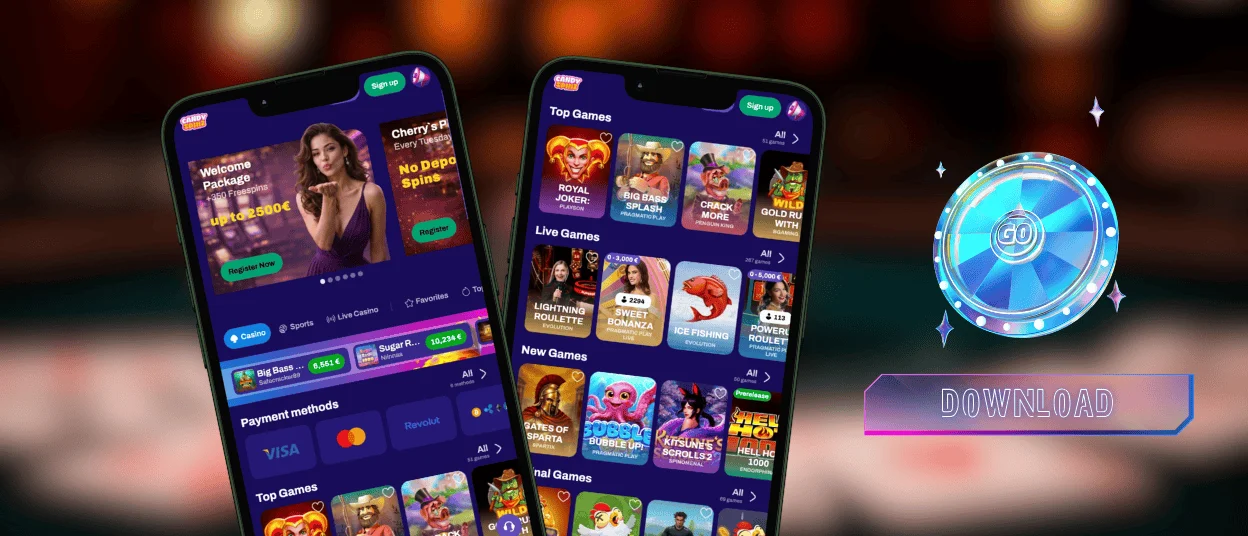
The Candyspinz iOS app installs directly from our website. Automatic updates keep the PWA current without manual downloads or update reminders.
The app uses less battery because caching reduces network requests, and the browser can simply freeze inactive pages. This setup supports smooth access to slots and live casino games.
Candyspinz Casino on Windows and macOS
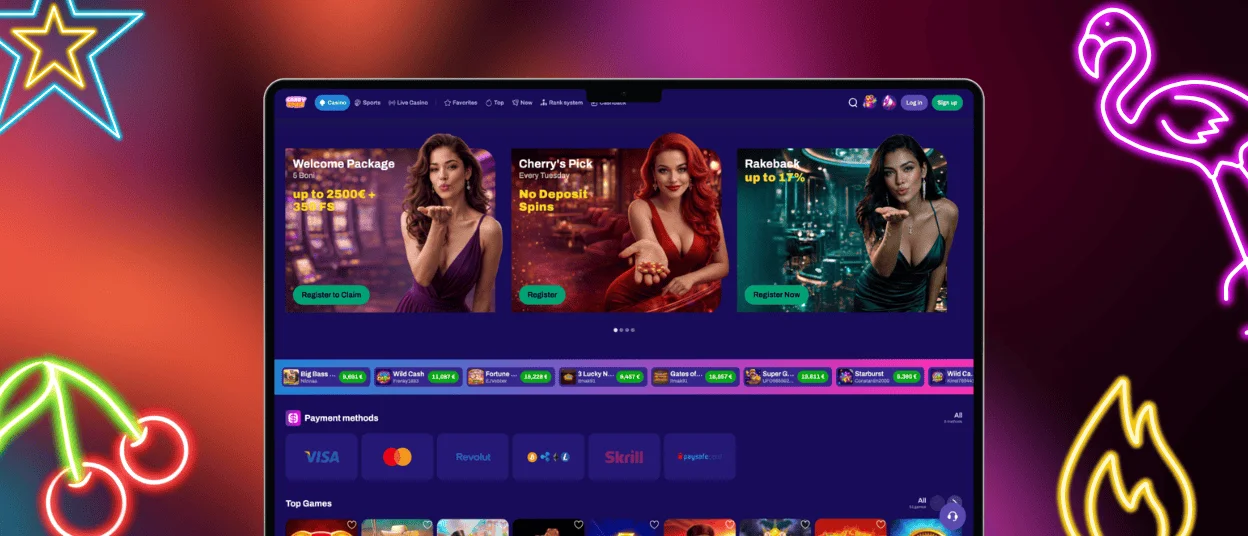
Desktop users get the familiar Candyspinz interface in a dedicated app-style window. The installed PWA also provides practical desktop functions:
| Desktop Feature | How It Works |
| Desktop shortcut | Open Candy Spinz Casino from the desktop or the Start menu like a standard program. |
| Clean app window | The platform opens without browser tabs or an address bar. |
| Notifications | The app can send alerts to your notification center. |
| Automatic launch | Set the Candyspinz app to open with the operating system when you mainly use the computer for gaming. |
Desktop installation follows the same process as mobile setup. Select the corresponding option in the address bar while on our website to get the PWA.
Candyspinz App FAQ
What do I do if the app freezes or stops responding?
Check that your connection to the internet is working. If you have a stable connection, exit the app and then open it again. Keep your browser updated. The latest versions of browsers run more smoothly. You can also clear your cache. If the problem persists, please contact our support team via live chat, and we will help you to sort it out.
Does Removing the Candyspinz App Affect My Account?
The Candyspinz PWA just gives you fast access to the platform. Removing it from the home screen does not affect the account, balance, transaction history, or active bonuses.
Does my balance update instantly across devices?
Yes. Candyspinz app to get real-time balance and progress updates on all your devices. Auto updates allow you to go from device to device without losing your place or refreshing.


