



Candyspinz Casino Register and Login
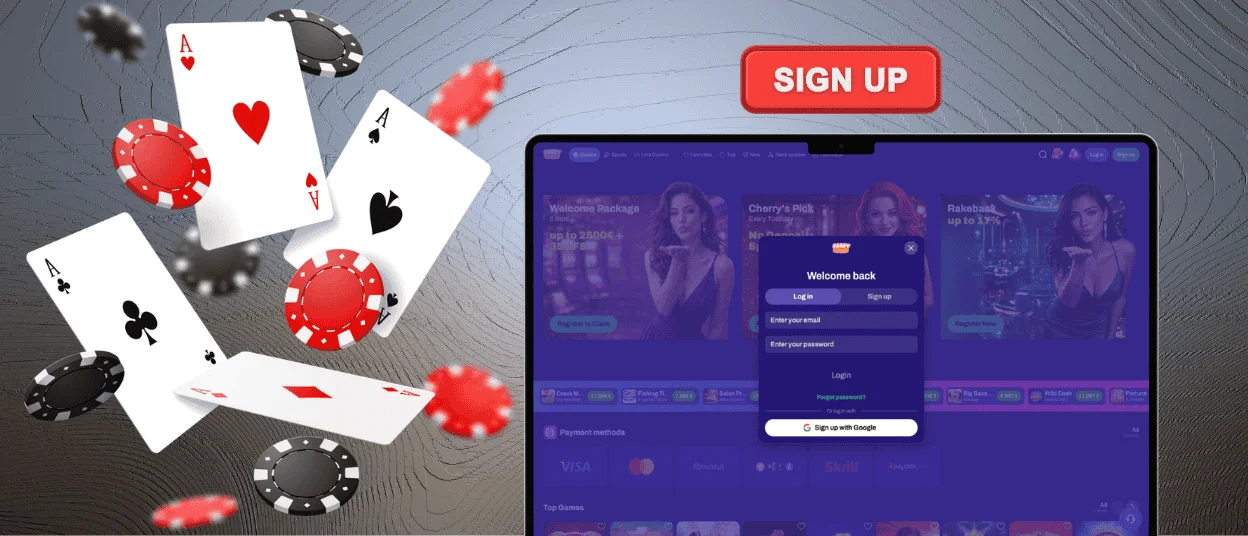
If a player is registered, they can use the user-friendly Candyspinz login form that will allow them to directly access their profile. The registration and sign-in processes are fast and simple. There are easy-to-understand steps that ensure quick access to the account from the very beginning.



Create Your Candyspinz Account
Start registration on our website by selecting “Sign up,” entering your email address and creating a password. After these basic steps, you can fill in your personal details to start playing.
| Registration option | What to do |
| Standard site registration | Complete the email and password fields in the registration form. |
| Referral invitation | Register through the referral link. The inviting player receives a reward through our referral program. |
| PWA | Install the Candyspinz PWA from our website and sign up inside the mobile version. |
| Transfer from another casino | Register, send a transfer request and attach proof of your VIP level or wager points. We transfer eligible privileges after review. |
Registration takes less than a minute on every supported device, so you can move from account setup to the site without a lengthy process.
Once you are inside, use the Wallet and Security sections to adjust your profile settings. You do not need to confirm your email right away. We set up a special onboarding mission after registration to let you earn coins when you decide to verify your contact details.
How Do I Enter My Candyspinz Profile?
Click on Log in in the top right-hand corner of the Candyspinz website. Sign in with your account email and password, then click the user icon to get to your dashboard.
The dashboard puts the main account options into one place:
- Profile – View your player rating or update your personal details.
- Wallet – Define the currency of your account and view the limits for transactions.
- History – Review your activity on Candyspinz.
- Invited Friends – View your sent referrals and invitations.
- Help Center – Find answers to your questions about your account.
If you use Candyspinz on a shared computer, remember to click Log out before you leave. This will end the session so the next person to use the device can’t just open up your profile.
What Should I Do If I Forget My Candyspinz Password?
Before starting a password reset, use the eye icon to see what is currently entered in the password field. A wrong character or an unnoticed space may be enough to prevent login. It is also worth checking Caps Lock and the current keyboard layout.
If the password still does not work, click “Forgot password?” A reset link will be sent to the email address registered with your Candyspinz account within a couple of minutes.
Why Can’t I Log In to My Candyspinz Account?
If Candyspinz will not let you sign in, take a look at the message shown on the page first. It often points directly to the problem. These are the fixes worth trying for the most common login errors:
- The page keeps reloading or freezes. Delete the browser cache and cookies, then open Candyspinz again.
- Password recovery fails. Contact Candyspinz support for help getting back into the account.
- There have been too many login attempts. Leave it for about 15 minutes. Once the temporary lock is removed, try signing in again.
If it doesn’t help, open live chat and explain what happens when you sign in. The support team can look into the access problem and also help with verification or bonus-related account requests.
FAQ
Does Candyspinz log me out automatically?
Yes. Your session will time out, and you will be automatically logged out. You can save your login details in your own browser for quicker login. However, never save your login details on another person’s device, and always sign out after using a public device.
Can I use my account while verification is in progress?
Yes, you can continue collecting bonuses and play your favorite games. Withdrawals remain unavailable until verification is complete.
Can I reopen a closed Candyspinz account?
If your account was temporarily locked or voluntarily closed, you can ask our multilingual support team to reopen it through live chat or email. You must verify your identity again.


